Enrollment Design
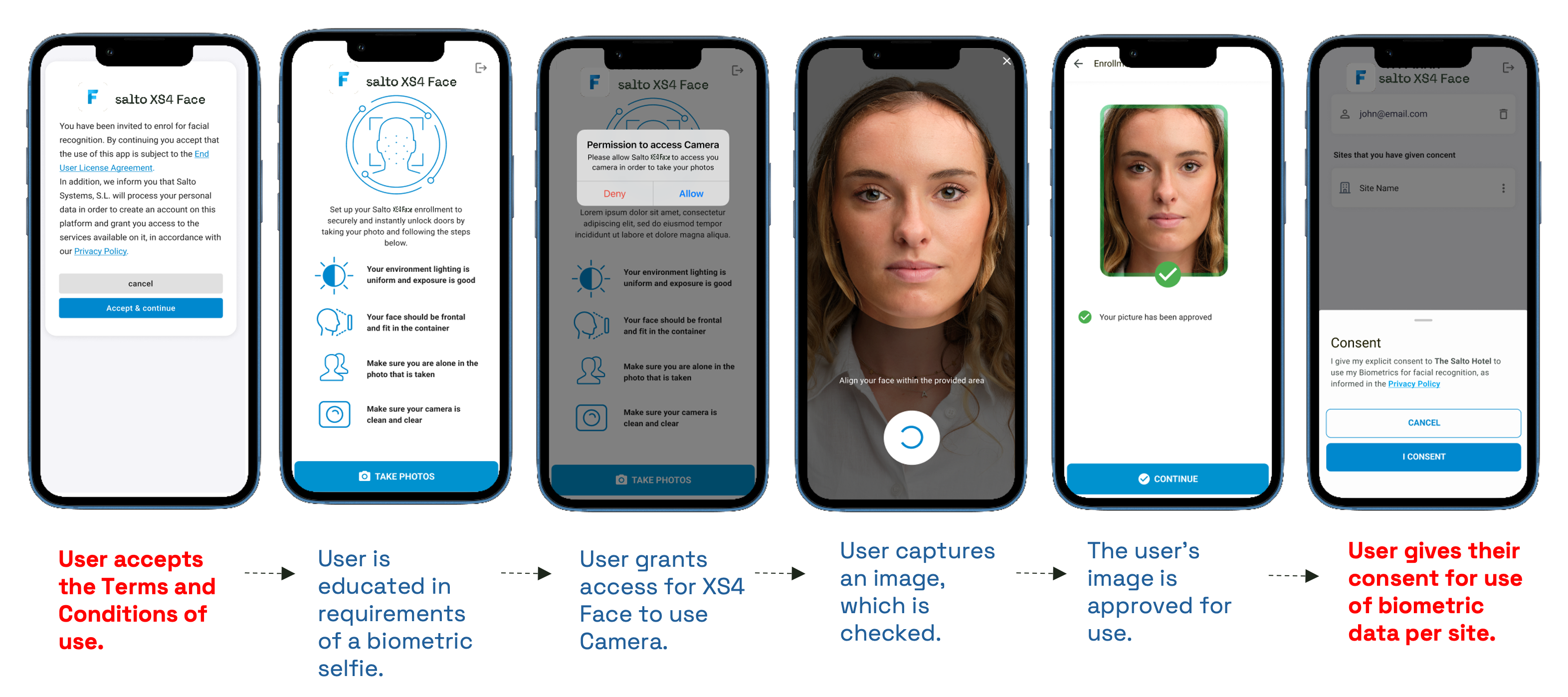
Example
- Enrollment walkthrough: example behaviour for image quality feedback and retakes.
- User disenrollment: example consent deletion.
The endpoints referenced below are documented in the Enrollment API. Accessing this API requires an authentication token with the scope xs4face.featureapi.enrollment.
User enrollment profile
The user profile, including their current status, can be retrieved with the following endpoint:
GET /features/{featureId}/users/{userId}
The user status is described in User Lifecycle.
Terms of service
Record acceptance of the Salto Privacy Policy for face
recognition. The following text MUST be displayed to the user to allow Salto
Systems to manage face enrollment. Show this step every time the user accesses
the feature while their status is not yet ACTIVE.
Info
Face recognition services are provided by Salto Systems S.L. By continuing, you accept that Salto Systems will process and store your personal data in the EU, in order to manage face recognition services, in accordance with Salto Systems’ Privacy Policy.
- Partner responsibility: display the statement above when recording user acceptance.
- Display when: the user accesses the feature and their status is not
ACTIVE. - Endpoint:
PUT /features/{featureId}/users/{userId}/saltoPrivacyPolicy - Complete when: the user status is not
PENDING_TOS. - Blocked while: acceptance is missing — the journey cannot finish even if all other enrollment data is present.
Note
A user may have already accepted the Salto Privacy Policy through their use of face recognition at another provider. To avoid confusion, and to make sure the user knows who will be managing their data within the app, show this step whenever they have not yet provided consent.
Image submission
Capture a live user image and handle the API’s validation outcome.
- Integrator responsibility: take the picture and show clear feedback on validation failures so the user knows what to fix before retaking.
- Endpoint:
POST /features/{featureId}/users/{userId}/image - Complete when: the image is accepted.
- Blocked by: image quality or validation errors. A valid image is a core prerequisite for enrollment.
Tip
A user may have already enrolled an image through their use of face
recognition at another provider. When this is the case they can be taken
straight to consent capture, so check the status returned for the user rather
than assuming every enrollment starts at PENDING_TOS.
Key response codes
| Status | Meaning |
|---|---|
204 |
Image accepted — the user moves to PENDING_CONSENT. |
400 |
Image validation failed — see the image error codes below. |
A 400 response returns one or more image error codes in the errors array:
| Code | Meaning | Example |
|---|---|---|
IE001 |
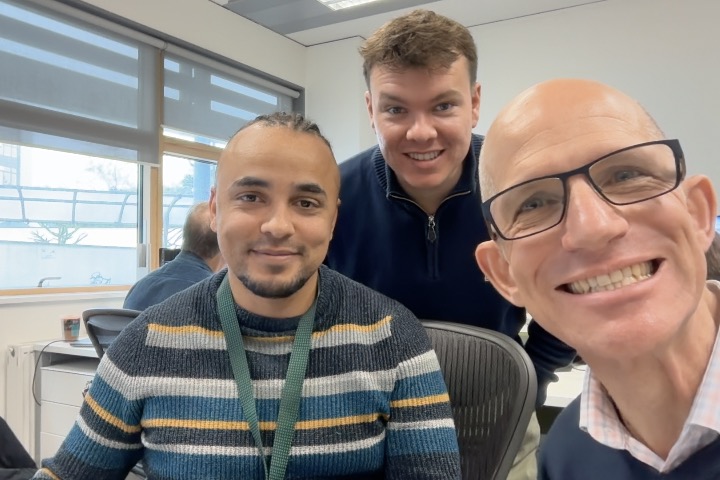
Multiple faces found | image |
IE002 |
Poor resolution | image |
IE003 |
Poor exposure | image |
IE004 |
Poor greyscale profile | None |
IE005 |
Image contains hotspots | image |
IE006 |
Face not facing forward | image |
IE007 |
Lighting is not uniform | image |
IE008 |
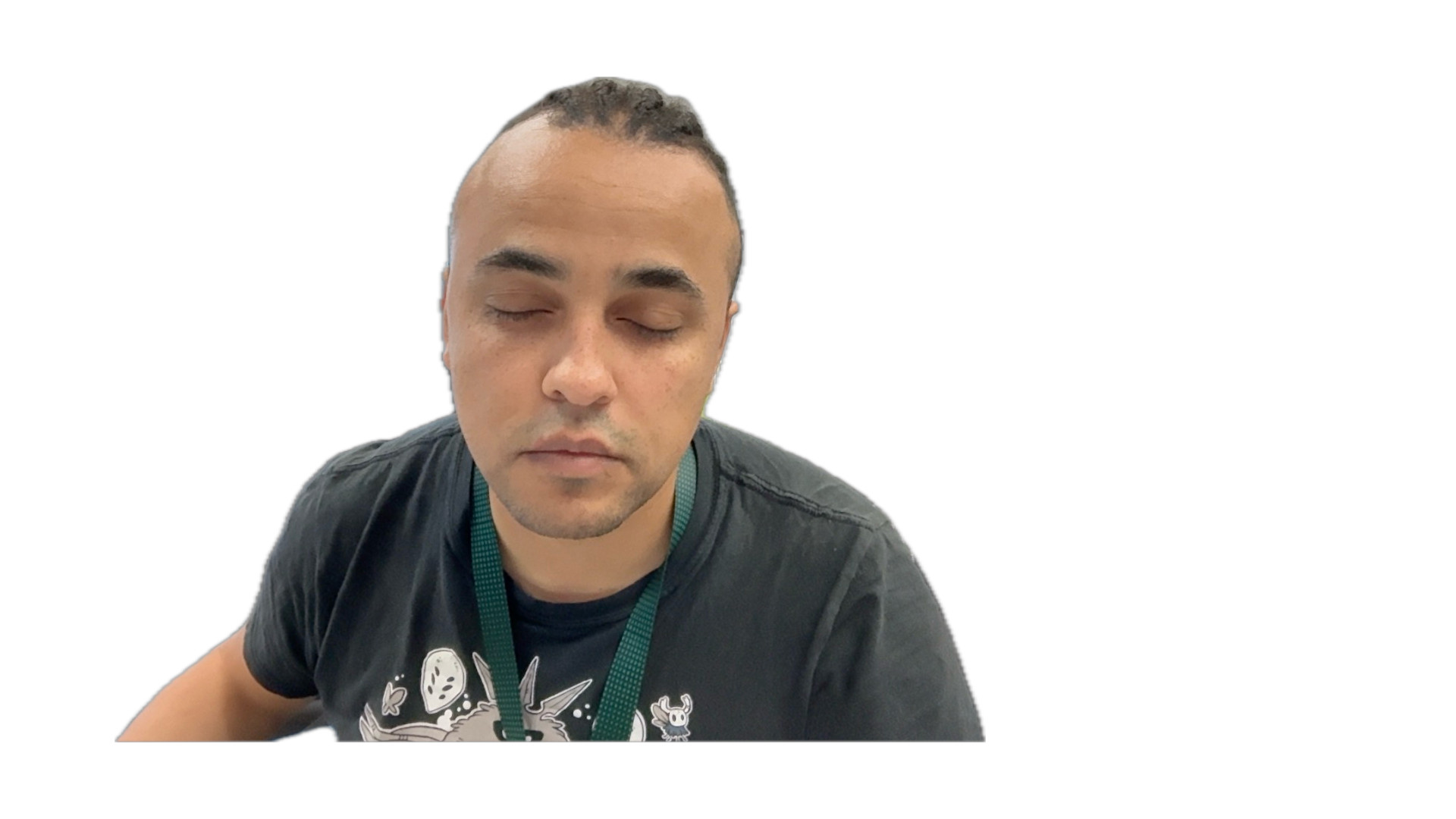
Eyes are not open | image |
IE009 |
Tint on glasses | image |
IE010 |
Image is not sharp | image |
IE011 |
Mouth is not closed | image |








Note
Once accepted, the user image cannot be retrieved through the API or replaced. This prevents a user swapping their image to give someone else — a family member, for example — access.
Consent capture
Allow the user to view the privacy policy that details the use of face recognition, and record their explicit consent.
- Integrator responsibility: give the user access to a valid privacy policy.
- Endpoint:
PUT /features/{featureId}/users/{userId}/consent - Complete when: the user status is
ACTIVE. - Blocked while: consent is missing. Present this step clearly, as consent is a prerequisite for approval.
Revocation and removal
This is the user-triggered withdrawal of consent through the app. Membership expiry, and other reasons for removing a user, are handled by the MMS. Both are required to fulfil the obligations of GDPR.
- Integrator responsibility: provide a mechanism in the app for the user to opt out of face recognition.
- Endpoint:
DELETE /features/{featureId}/users/{userId}/consent - Complete when: the user no longer exists — see below.
Important
Revocation removes the user rather than moving them to an earlier state. Every
endpoint in this API then responds 400 with the error code E002 (resource
does not exist), so treat revocation as terminal in your app. Re-enrolling
means adding the user again through the Users API and starting
from PENDING_TOS.